Alternative Controller
Lumber Climber
A two-player PvP climb where every step upward starts with something players can physically chop, slot, and hold.
Lumber Climber makes the controller part of the game space. Players race on separate tree stumps: chop to earn progress, insert a board into the stump, then climb before the round ends. The physical build is not a display prop. It is the route from player action to the Unity game.
Project Snapshot
A Physical Race With A Clear Input Story
The design begins with a direct competitive question: who can climb higher before the timer runs out? The answer is not just faster button presses. Each player has to earn, place, and use the next piece of their climb through a dedicated physical controller.
Gameplay Footage
The Controller And Game In One Frame
This capture shows the project as it was meant to be experienced: the custom tree-stump controller above, the two-player Unity race below, and each physical action producing visible climb progress.
Lumber Climber Gameplay
A side-by-side capture of the physical controller interaction and the in-game climb race.
Gameplay Loop
Make The Next Climb Possible
The loop keeps the physical task and the on-screen goal aligned. Chopping builds toward a climb opportunity. Placing the board confirms the foothold. Holding the climb input turns that setup into height.
01 / Chop
Use the chop input to build progress. The game tracks each player separately, so the race stays legible.
02 / Insert
Place the board into the physical stump. The conductive contact completes the condition for the next climb.
03 / Climb
Hold the climb input to move upward after the board is in place. Each completed climb restores room for the next cycle.
04 / Race
Repeat under the clock. The visible height difference makes the current leader easy to read from across the room.
Fabrication Process
Build The Tree Before Building The Signal
The controller went through a practical fabrication sequence: cut parts precisely, prepare conductive contacts, wire the signal path, then finish the two stumps as cohesive play objects.
Laser-Cut Parts
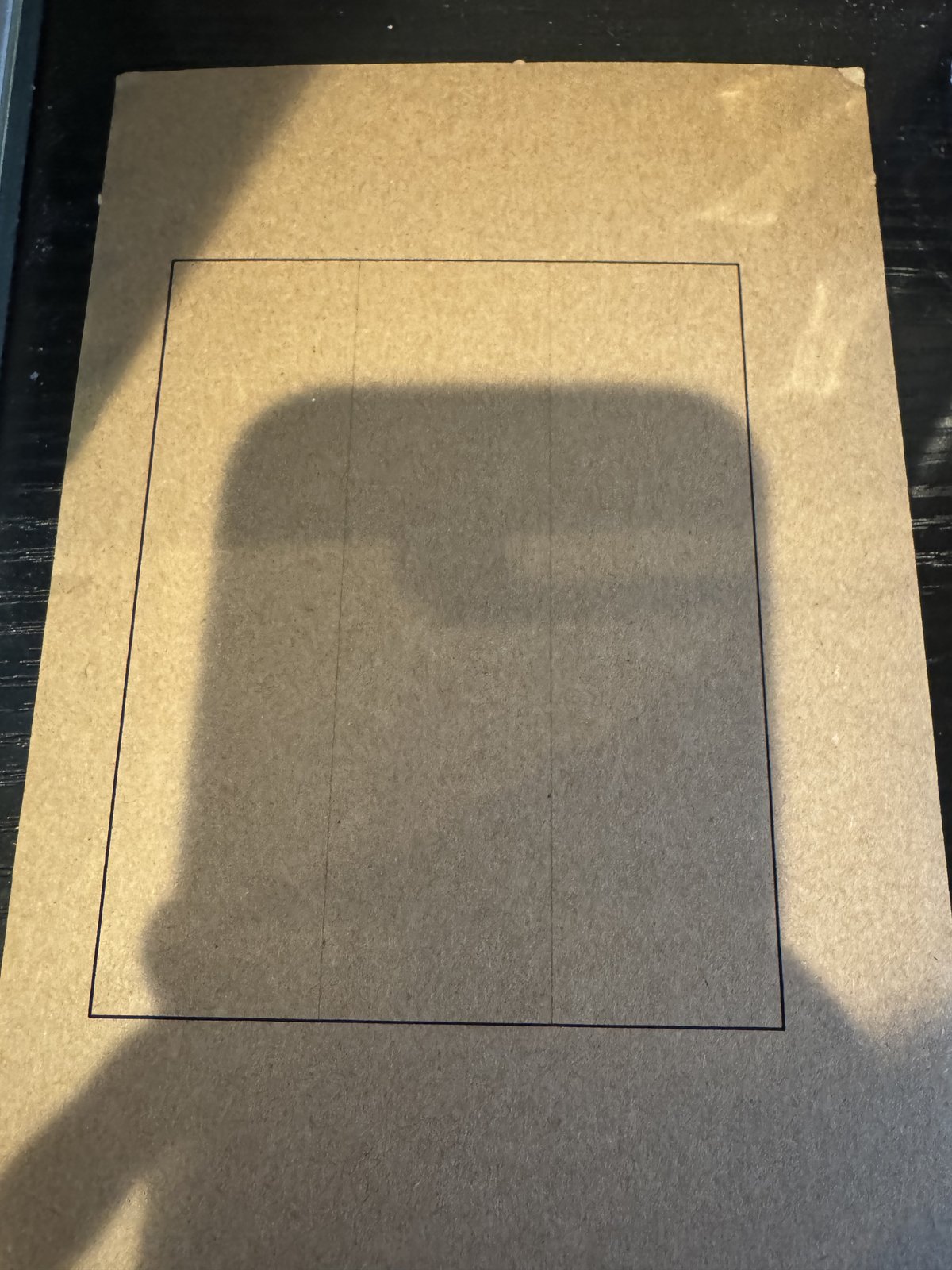
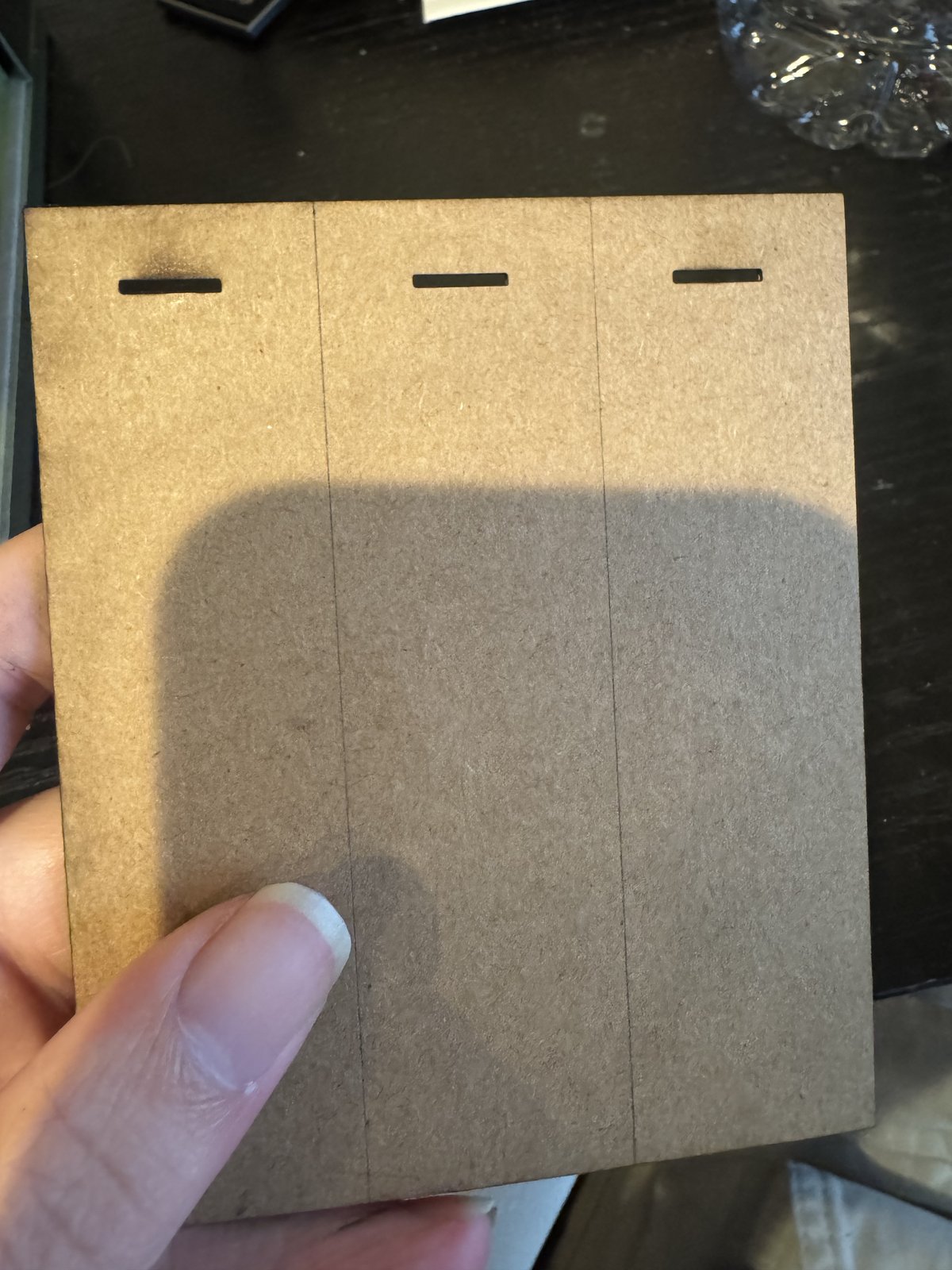
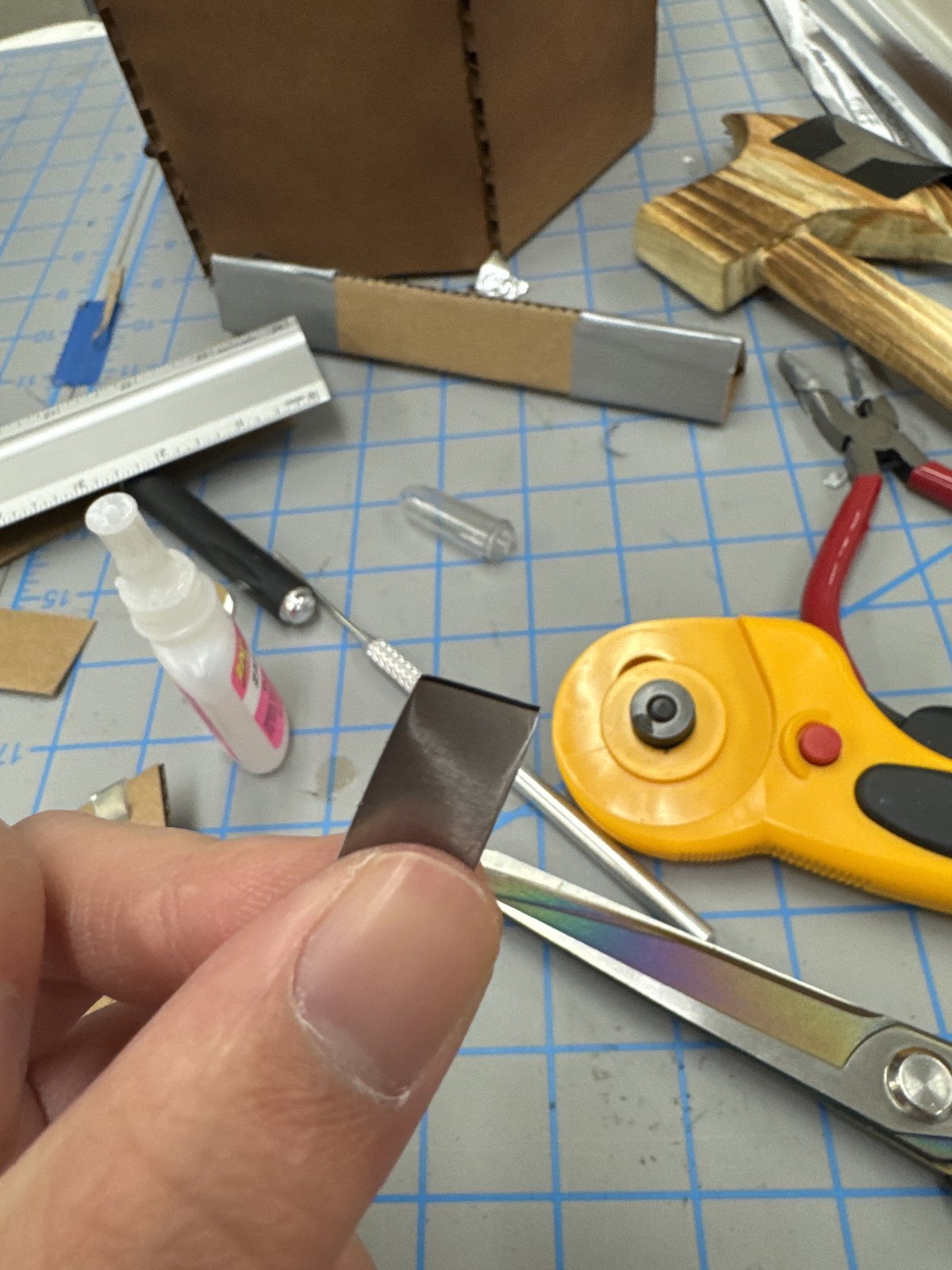
Laser cutting produced the cardboard pieces needed to assemble the tree stumps, including the board-insertion piece and its receiving slot. This made the delicate interaction point repeatable instead of improvised.
Sand-Blasted Contacts
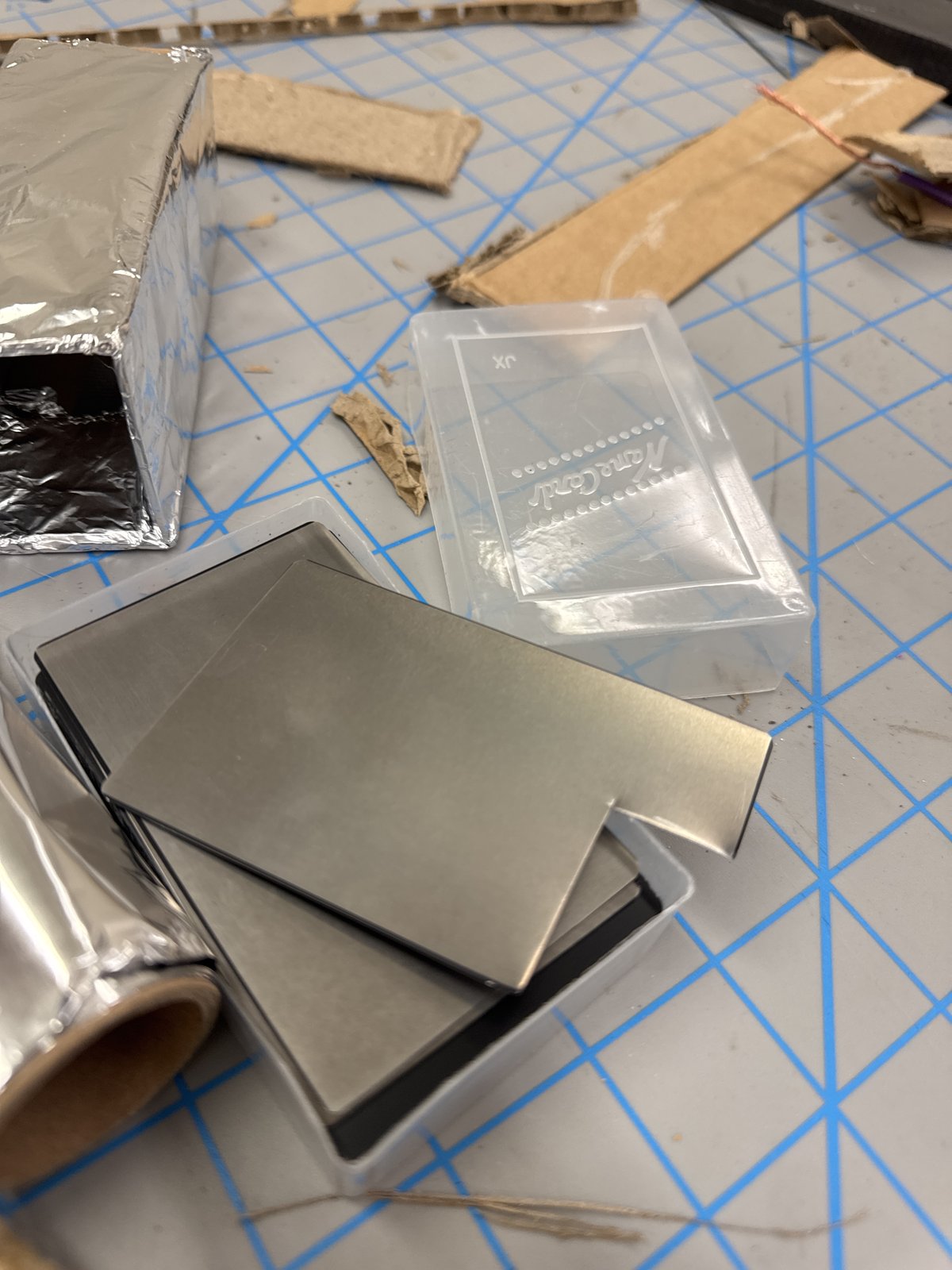
Aluminum cards arrived with a nonconductive surface layer. Sand blasting removed that coating so each card could carry the electrical contact used by the controller.
Makey Makey Wiring
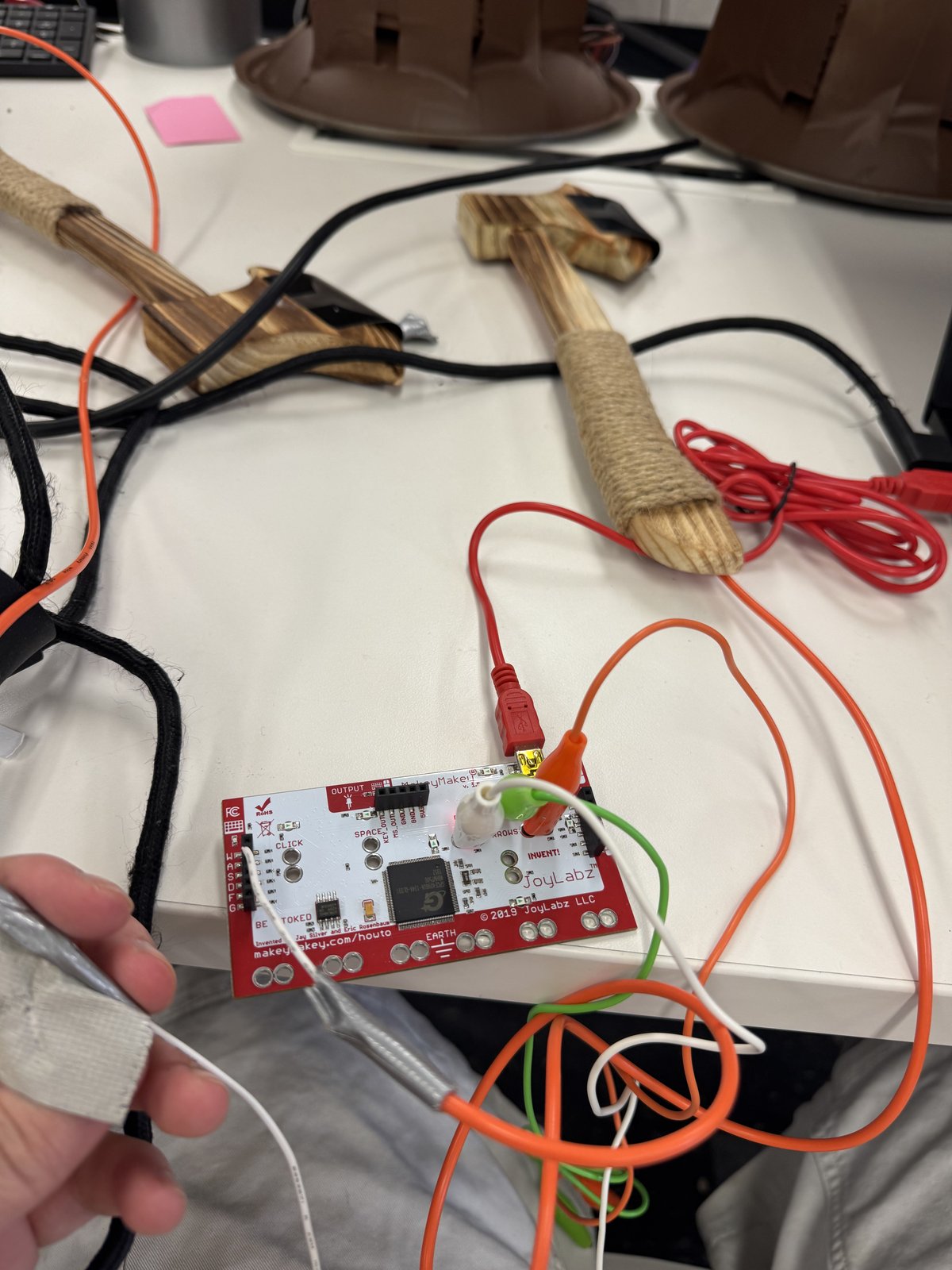
Makey Makey converts physical electrical contact into keyboard signals. That kept the hardware setup understandable on the Unity side while preserving the custom controller as the player-facing interface.
Spray-Painted Finish
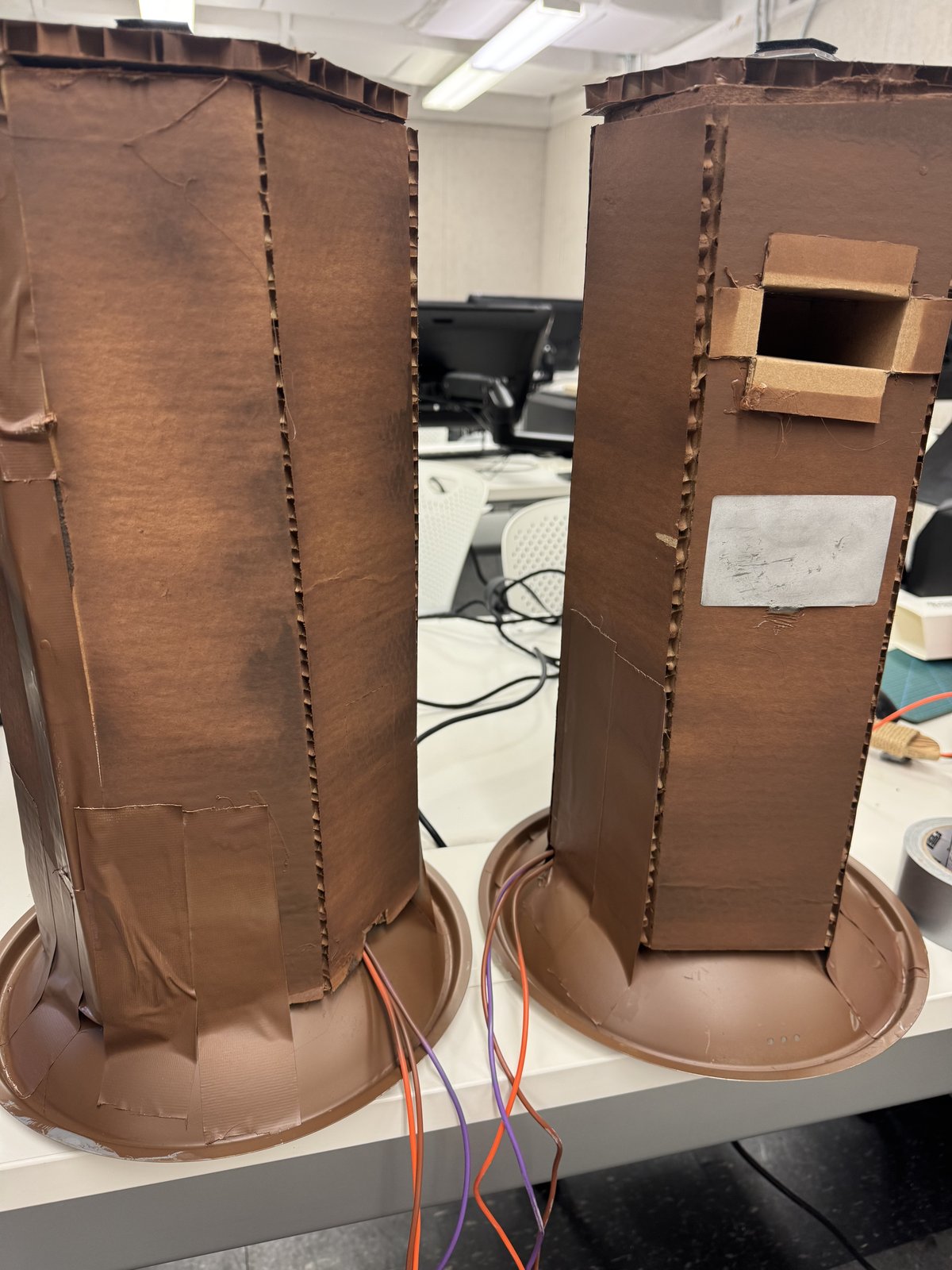
The completed tree stumps were spray painted to read as one object and to hide the tape holding the bottom structure in position.
Input Bridge
Physical Contact, Keyboard Signal, Climb State
The implementation keeps the hardware and game logic connected by a simple, inspectable chain. Each contact action becomes a keyboard input; Unity then checks the player state before permitting the corresponding climb behavior.
Chop / Board Contact
Makey Makey
Keyboard Input
Unity Climb State
The prototype’s Unity logic tracks player-specific chop progress, requires a placed board for climbing, and adds height as players complete the cycle.
Build Gallery
The Controller Is The Pitch
The finished setup makes the interaction readable before anyone touches it: two tall stumps, clear insertion points, exposed wiring during prototyping, and a physical scale that turns an ordinary climb command into a competitive action.